
Create, download and use GPX cycling routes
Prefer to set off with a clear route in hand rather than just following signs as you go? Then GPX files could be your perfect cycling companion. With a digital route file like this, you can simply let your cycling app – or a navigation device such as a Garmin, Wahoo or Sigma – guide you.
What is a GPX file?
A GPX file (short for GPS Exchange Format) is a text file containing geographical data. Think of it as a digital map of your cycling route – from the starting point to the finish. Using your device’s GPS function, you can display the GPX file on-screen and follow it as you ride.

How to use a GPX file?
If you want to follow an existing cycling route, here’s how to get started:
1. Download the GPX file
Click the download link on the website where the GPX file is available. The file will usually be saved in your Downloads folder.

2. Import it into your cycling app
Open an app such as Komoot, Strava, or OsmAnd. There, you can usually upload the file via ‘Import GPX’ or ‘Plan a route’. Follow the app’s instructions to import the file.
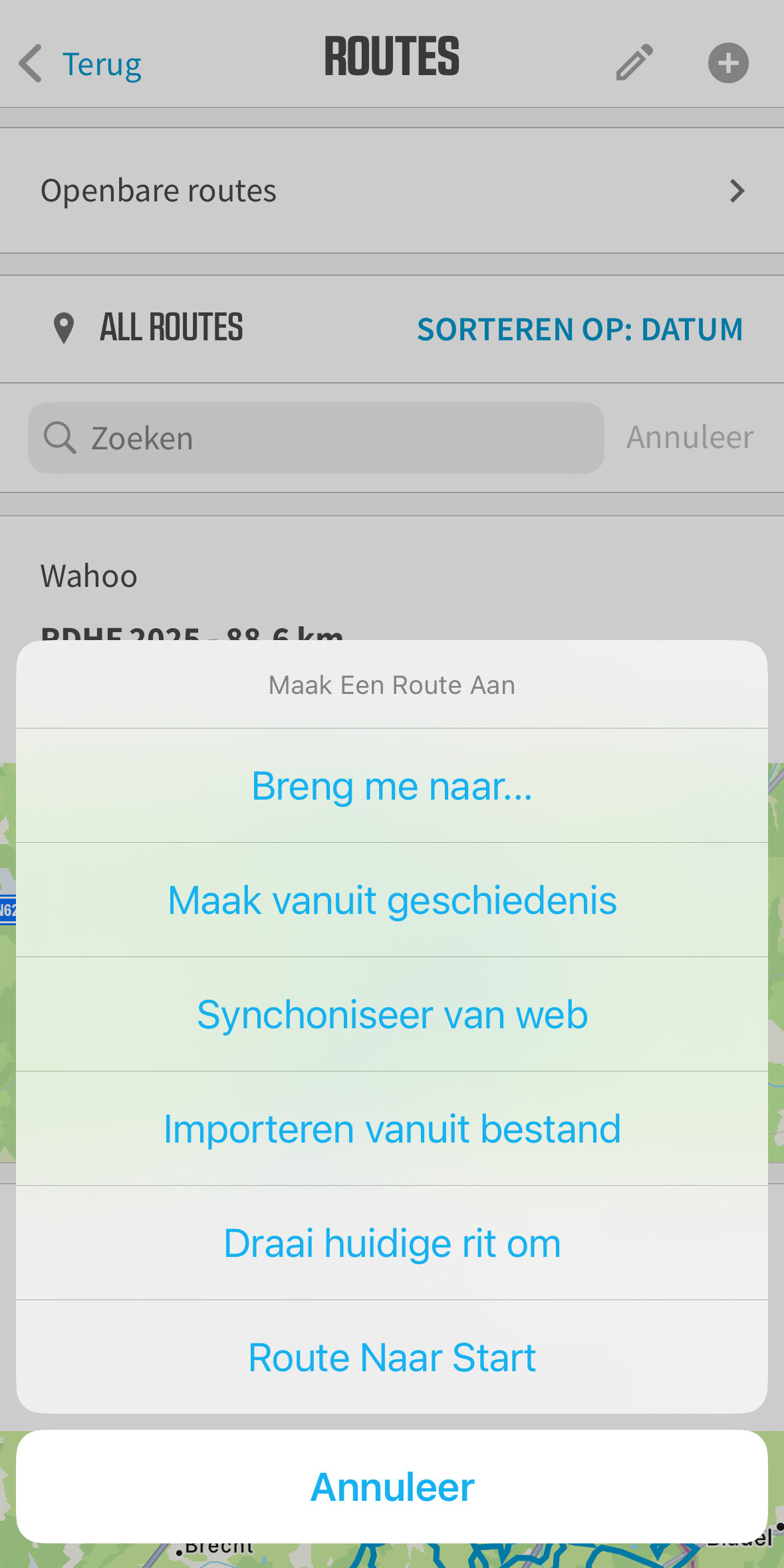
3. Start your ride
Once the file is loaded, the route will appear on the map. Select ‘Start navigation’, get on your bike, and follow the guidance. Many devices also offer the option to navigate to the starting point of the route.
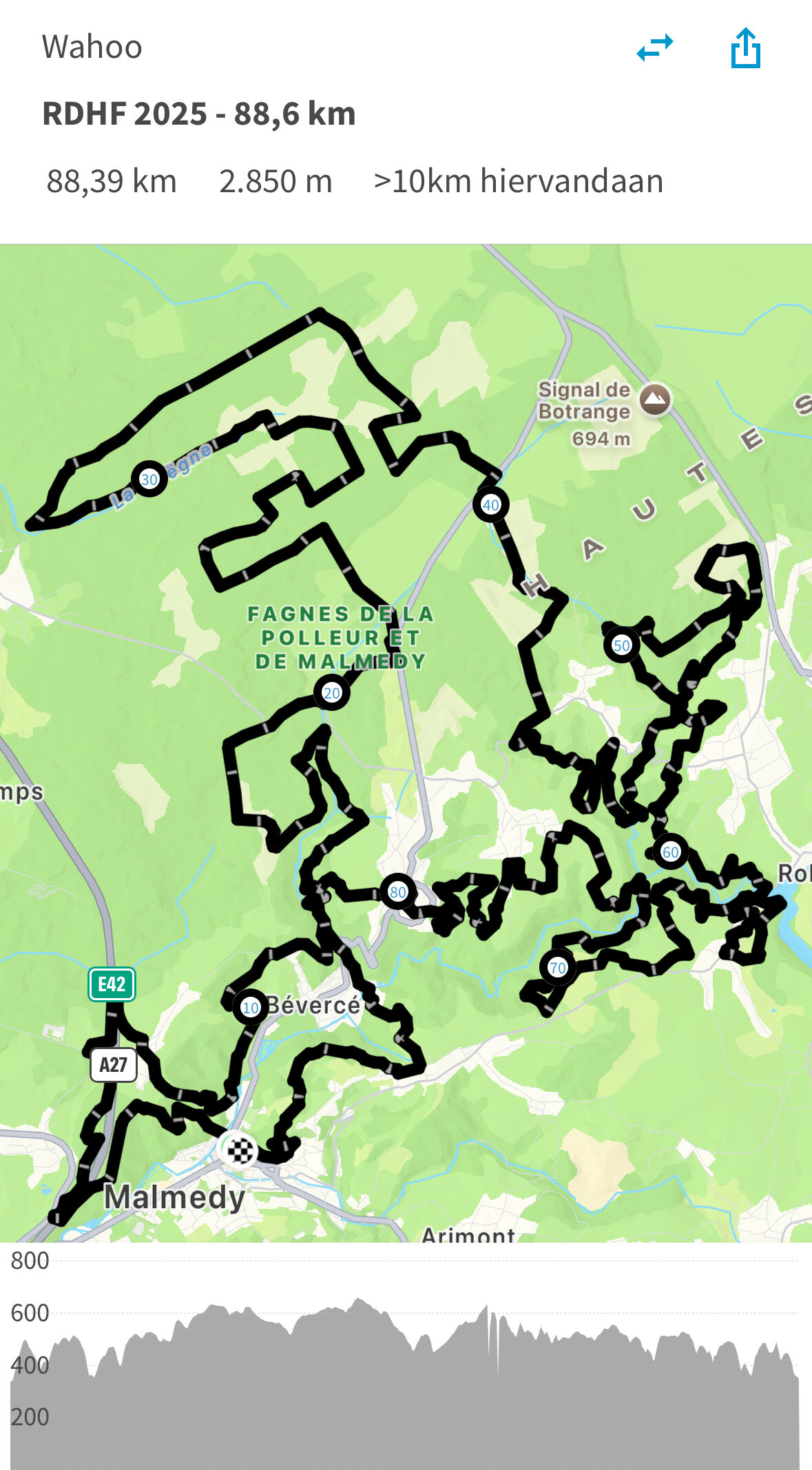
Create your own GPX bike route
Prefer to create your own route? With tools like Fietsnet, RouteYou or the official node planners, you can easily create a personalised route.
Here's how to do it:
- Open the planner (e.g. https://www.nodemapp.com/en or routeyou.com)
- Choose your starting point on the map
- Click on the selected nodes in the required sequence
- View distance and altitude profile
- Satisfied? Download your route as a GPX file
- Now import the GPX file as above
Still looking for the right bike computer ? Drop by in one of our shops and we will be happy to help you on your way!


